Family safety
Family Safety App Features That Actually Keep Your Family Safe
Live maps, alerts, SOS, history: which family safety app features make a real difference day to day, which matter less, and how to set them up well.
By NextLocator Team Updated 3 minute read
Quick answer
The features that matter most are arrival and leave alerts for places like school and work, an SOS button that sends your exact location, a live map that shows how fresh each location is, and tracking that doesn't drain the battery. Everything else is nice to have. An app nobody keeps switched on keeps nobody safe.
Key takeaways
- Alerts beat watching a map. You're told, so you don't have to keep checking.
- SOS has to be quick to send but hard to trigger by accident.
- 'Last seen' times stop you panicking over an old location.
- Battery use and privacy decide whether people keep it on.
The features that matter most
Arrival and leave alerts
This is the one families rely on. You get Ria arrived at School instead of making a call. Set it up for the places that matter most: school, coaching, work, home. Step-by-step guide.
SOS with exact location
In an emergency, nobody should have to explain where they are. One action should send your location to the people who can help. How SOS works.
A live map that's honest about time
A location from three hours ago looks just like one from now, unless the app tells you. A Last seen 2 mins ago label is what makes a map trustworthy.
Battery level
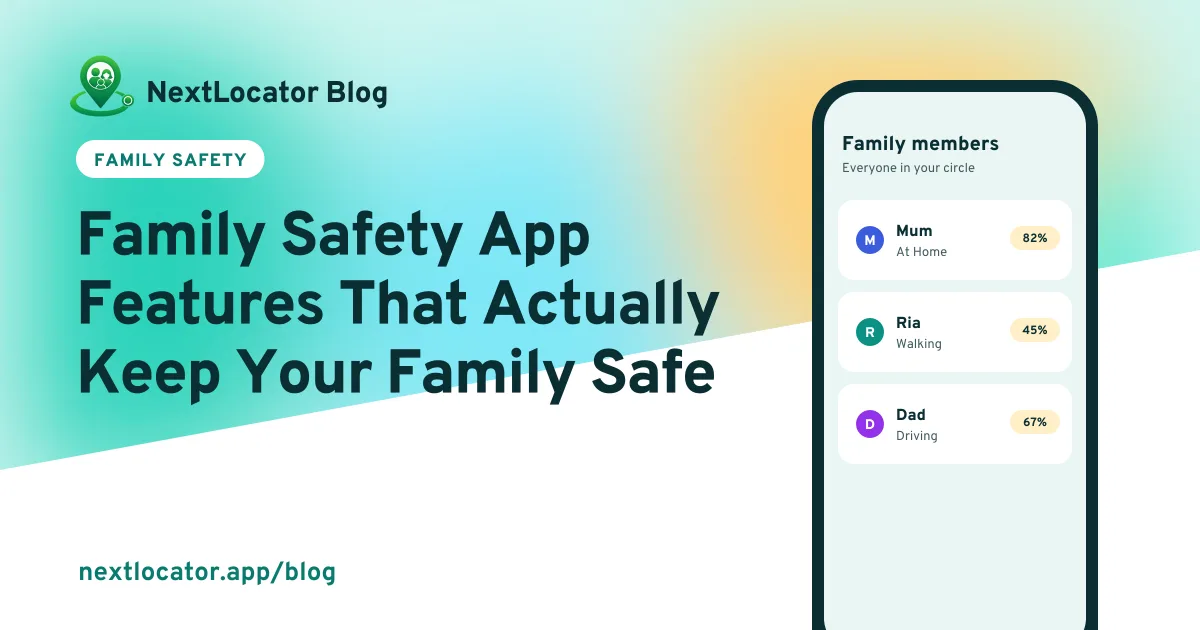
When someone's phone dies, their dot stops moving. Seeing 8% battery explains it before you start to worry.
Keeps working through bad signal
Lifts, basements, country roads. Offline sync means the route fills in after the gap. More on offline sharing.
Private circles
Only people you invite, and everyone can see who's in. If an app can be used to track someone secretly, it isn't a safety app.
Nice to have
- Location history. Handy for checking when the van really arrived, or where a phone was last. How it works.
- Ask for a fresh location. Gets an update from a quiet phone without calling.
- Movement status, like walking or driving. Tells you someone's on the way.
Features that matter less than they sound
- Updates every few seconds. Sounds great, costs a lot of battery. Smart apps update more when you move and less when you are still.
- Dozens of places. Most families use three or four.
- Reports and driving scores. Nice to look at, rarely used.
Set it up so it actually works
- Install it on every phone in the family and join one circle.
- On every phone, allow location all the time and turn off battery optimization.
- Save home, school and work as places.
- Show everyone where the SOS button is.
- Agree as a family what you'll use it for.
An app is only as good as its settings. If anyone's dot stops moving, here's how to fix it.
Frequently asked questions
What is the best family safety app?
The one your whole family will keep switched on. Look for place alerts, SOS with exact location, last seen times, low battery use and private circles.
What should a family safety app include?
At minimum: a live family map, arrival and leave alerts for saved places, an SOS button that sends your location, and private circles that only invited people can join.
Are family safety apps safe to use?
Trustworthy ones are. They keep circles private, show everyone who can see them, and let you delete your data. Avoid any app that advertises secret tracking.
Is a family safety app worth paying for?
Start with a free plan. Pay only if you need more places, members or history than it gives you.