How-to
How to See Your Family's Location History
Location history shows the routes your family took and where they went. How to view it, who can see it, and how long it is kept on each plan.
By NextLocator Team Updated 2 minute read
Quick answer
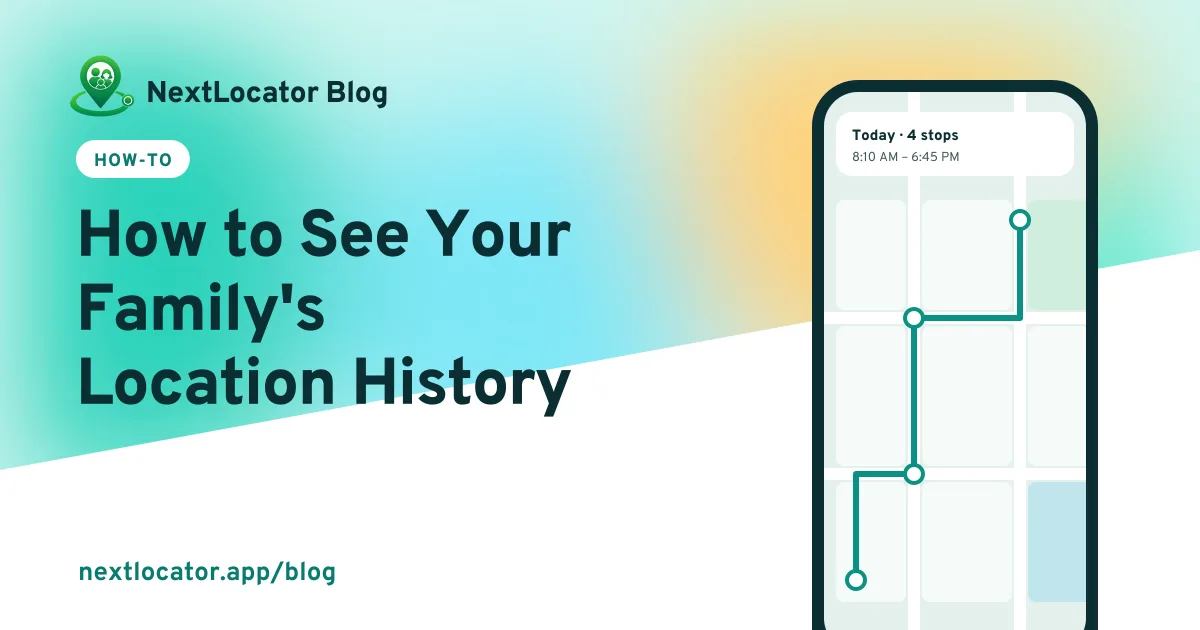
In NextLocator, open a member of your circle and tap View location history to see their route for the day on a map, with the number of points recorded and the time range. Circle admins can see members' history, and everyone can see their own. How far back it goes depends on the plan: 2 days on Free, up to 30 days on Diamond.
Key takeaways
- Circle admins can view a member's history. Everyone can view their own.
- The history map shows the route, the time range and the number of points recorded.
- The free plan keeps 2 days. Paid plans keep more, up to 30 days on Diamond.
- Older history is deleted automatically.
What location history shows
History is the saved trail of where a phone has been. On the history map you see:
- The route as a line on the map
- Where the route started, and the latest location
- How many location points were recorded, and between which times
- Points recorded while offline, filled in once the phone reconnected
How to view it
- Open NextLocator and go to your circle.
- Tap the member you want to check.
- Tap View location history.
- Pick the day: Today, Yesterday, or an earlier day your plan covers.
To see your own route, open Location history from your own profile.
Who can see it?
| Person | What they can see |
|---|---|
| You | Your own history |
| Circle admins | The history of members in their circle |
| Other members | Everyone's live location, not their history |
| Anyone outside the circle | Nothing at all |
How long is it kept?
It depends on the plan. The free plan keeps 2 days. Paid plans keep more, up to 30 days on Diamond. After that, older points are deleted automatically. Compare plans.
A short history is a good thing for privacy. Keep the plan that covers what you actually need, not the longest one available.
When history is useful, and when it isn't
- Your child says the van was late. History shows when it actually reached school.
- A parent's phone went quiet. History shows where they were before the battery died.
- A client says your technician never came. History shows the visit.
Where it isn't useful: going through a teenager's whole day without a reason. Agree when you'll look instead.
Frequently asked questions
Can I see my family's location history for free?
Yes. The free plan keeps 2 days of history. Paid plans keep more, up to 30 days on Diamond.
Can I see location history from last month?
Only on Diamond, which keeps 30 days. On the other plans, older history has already been deleted.
Why is there a straight line across the map in the history?
The phone didn't record points for that stretch, usually because battery saving paused the app or the phone was off. Points recorded offline do get filled in when the phone reconnects.
Does location history take up space on my phone?
No. History is stored on the NextLocator servers, not on your phone.