Work
Tracking Employee Location With Consent: A Guide for Managers
How to use location sharing with field staff in a way that is legal, fair and actually useful: get consent, track work hours only, and use arrival alerts.
By NextLocator Team Updated 3 minute read
Quick answer
Tell staff what you'll track and why, get their written agreement, track only during working hours, and look at arrivals rather than every movement. For field teams, an arrival alert at a client site answers the question managers really have, 'Did they get there?', without watching anyone all day. Laws differ by country, so check yours.
Key takeaways
- Be open. Staff should know exactly what is shared and who sees it.
- Track work, not life. Time off is private.
- Use arrival alerts at client sites instead of watching the map.
- In the EU and UK, GDPR applies. Elsewhere, check local law.
When location sharing makes sense at work
It helps when people work away from the office: sales visits, deliveries, technicians, field officers, guards on patrol. The manager needs to know someone reached a site, or who is nearest when a job comes in.
It makes much less sense for office staff. If you can see someone at their desk, there's nothing to gain.
Get real consent
- Put it in writing. What's tracked, when, who sees it and how long it's kept.
- Give a real reason. Lone-worker safety, proof of visit for clients, faster dispatch.
- Ask for agreement, and keep a record of it.
- Let staff see it too. In NextLocator, everyone in a circle sees everyone else, the manager included.
Not legal advice
Rules differ by country. In the EU and UK, GDPR needs a clear legal basis and a proportionate approach, and employee monitoring often needs a data protection impact assessment. Other countries have their own rules. Check with a local lawyer or HR adviser before you start.
Track work hours only
This is the line between a work tool and surveillance. Nobody needs to know where a technician goes on a Friday evening.
The simplest way is a work phone. Staff carry it on shift and leave it at the office, or switch it off, when they finish. If people use their own phones, agree clearly what happens outside work hours, because a location app on a personal phone shares whenever it's running.
Use arrival alerts, not the live map
Most managers don't need to watch a dot move. They need to know three things: did they arrive, when, and when did they leave.
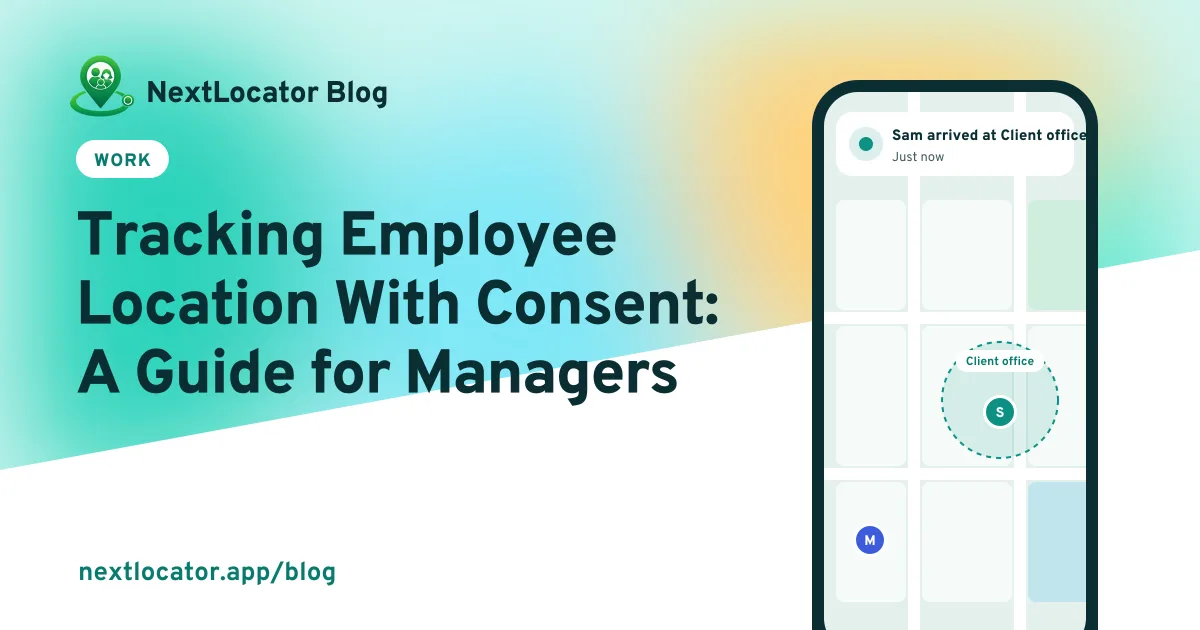
Save each regular client site, warehouse or branch as a place. As circle admin, you'll get Sam arrived at Client office when they get there. That's often enough proof of visit for the client, and it saves a lot of 'Where are you now?' calls. Need more sites than the free plan allows? See plans.
What not to do
- Don't track secretly. It's illegal in many places and wrecks trust when it comes out.
- Don't micromanage breaks. A ten-minute tea stop isn't a disciplinary matter.
- Don't keep data longer than you need. NextLocator deletes location history automatically after a set number of days, depending on the plan.
- Don't use location data for anything you didn't tell staff about.
Frequently asked questions
Is it legal to track employees' location?
In many countries it's legal when employees know about it, there's a clear work reason, and it's limited, for example to working hours. Secret tracking is often illegal. Laws vary, so check the rules where you operate.
Can I track employees on their personal phones?
Only with clear agreement, and it's harder to keep fair because the phone goes home with them. A work phone used only on shift is usually the cleaner choice.
How can I prove a field employee visited a client?
Save the client site as a place. The arrival and leave alerts, with their times, show when the employee was there.
Can employees see the manager's location?
In NextLocator, yes. Everyone in a circle sees everyone else. Many teams like this, because staff can see when their manager is on the way too.