How-to
Why Is My Family Member's Location Not Updating? 7 Fixes
If someone's location is stuck or hours old, a phone setting is almost always the cause. Seven fixes, starting with the one that solves most cases.
By NextLocator Team Updated 3 minute read
Quick answer
Almost always, the phone is putting the app to sleep to save battery. Turn off battery optimization for the app, set location access to 'Allow all the time', and don't force-stop it. On Xiaomi, Oppo, Vivo and Realme phones, also turn on Autostart. These four steps fix most stuck locations.
Key takeaways
- Check the 'Last seen' time first. A recent time means it's working.
- Battery optimization is the number one cause on Android.
- Location must be 'Allow all the time', not 'While using the app'.
- Some phone brands need an extra Autostart switch.
First, check what's actually wrong
Open the member and look at the time under their name.
| You see | It usually means |
|---|---|
| Last seen a few minutes ago | It's working. They may just be sitting still. |
| Last seen 1–3 hours ago | The phone paused the app, or they had no signal |
| Location off | They switched location off or removed the permission |
| No location yet | The app was never fully set up on their phone |
You can also tap Ask for a fresh location. If their phone answers, it's online and working. If it doesn't, go through the fixes below on their phone.
Seven fixes, in order
1. Turn off battery optimization
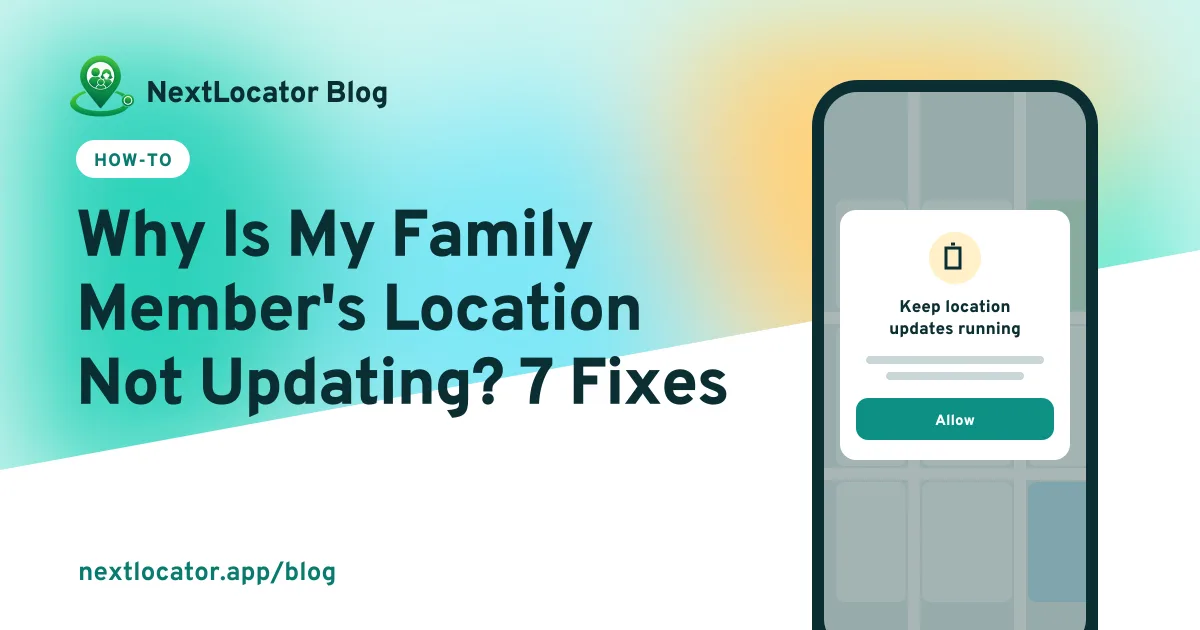
Android puts apps to sleep to save power, and for a locator app, sleep means no updates. Go to Settings > Apps > NextLocator > Battery and choose Unrestricted (on some phones it's called Don't optimize). NextLocator asks for this during setup and shows a warning on the map while it's still on.
2. Set location to Allow all the time
Settings > Apps > NextLocator > Permissions > Location > Allow all the time. On iPhone: Settings > NextLocator > Location > Always. Turn on Precise location too. Without it, the phone only sends a rough area.
3. Turn on Autostart (Xiaomi, Redmi, POCO, Oppo, Realme, Vivo)
These phones have their own extra switch that stops apps from running in the background or after a restart. In the app's settings, find Autostart or Background activity and turn it on. On Xiaomi phones, you can also lock NextLocator in the recent apps screen so it isn't cleared.
4. Take it off Samsung's sleeping apps list
Settings > Battery > Background usage limits. Make sure NextLocator isn't under Sleeping apps or Deep sleeping apps.
5. Don't force-stop the app
Swiping the app away from recent apps is usually fine. Pressing Force stop in settings isn't. It stops location sharing until the app is opened again.
6. Check mobile data and Data Saver
No data, no updates. Check the phone has a data balance or Wi-Fi, and that Data Saver isn't blocking NextLocator in the background. The app keeps recording offline and catches up later, but nobody sees it live until then.
7. Allow physical activity
NextLocator uses the phone's low-power motion sensor to notice when someone starts walking or driving, so it can turn on GPS at the right moment. If this permission is off, updates can lag when someone sets off. Allow it under Permissions > Physical activity.
On iPhone
- Location set to Always, with Precise Location on.
- Background App Refresh on, in Settings > General > Background App Refresh.
- Low Power Mode off when possible. It slows background updates.
- If you can't change the location setting, check Screen Time > Content & Privacy Restrictions.
Still stuck?
Restart the phone, open NextLocator once, and make sure the app is up to date. If it still won't update, tell us the phone model and we'll help. Most brand-specific problems have a known fix.
Frequently asked questions
Why does location stop updating when the screen is off?
The phone is putting the app to sleep to save battery. Set the app's battery use to Unrestricted and allow location all the time.
Why does it show a location from hours ago?
The phone hasn't sent an update since then. It's usually battery optimization, no mobile data, or the phone being switched off.
Does turning off battery optimization drain the battery?
Not much. NextLocator checks location rarely when the phone is still, so letting it run in the background costs very little. More on battery use.
Can I fix it from my own phone?
No. The settings are on the other person's phone. You can tap Ask for a fresh location to see if it's online, but the fixes have to be made on their phone.