Guides
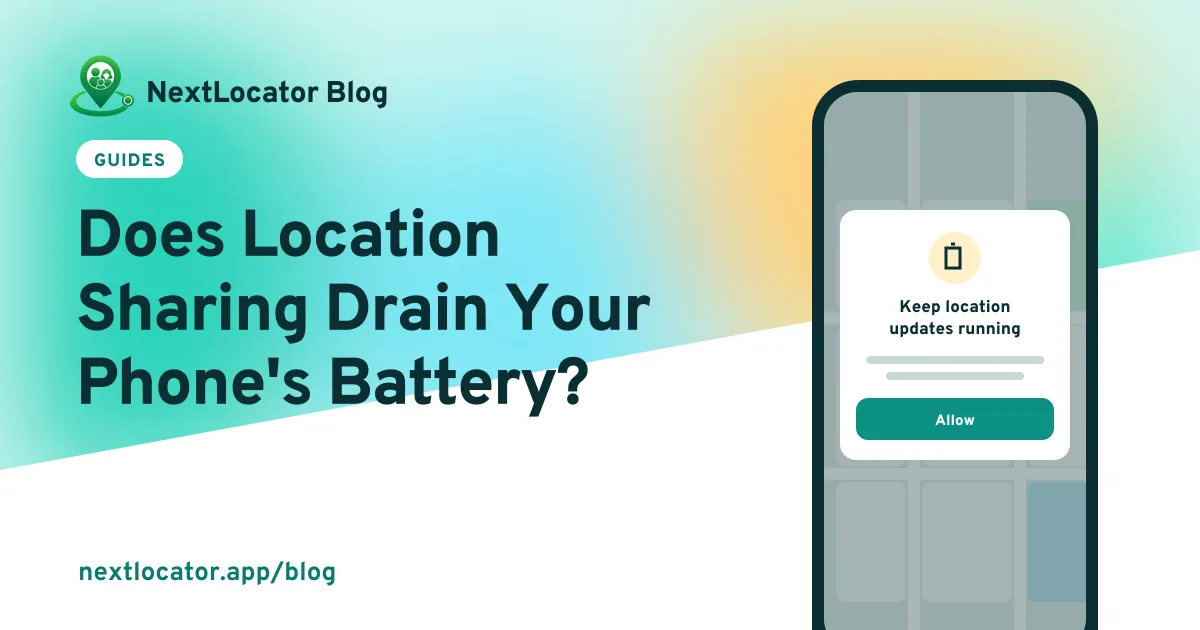
Does Location Sharing Drain Your Phone's Battery?
Location sharing uses some battery, mostly when GPS runs while you move. Learn what drains power, what doesn't, and settings that keep family tracking running.
By NextLocator Team Updated 3 minute read
Quick answer
Yes, location sharing uses some battery, but how much depends on how often the app checks your location. Checking GPS constantly uses the most power. Apps that check less often when you're still use far less, so a phone resting on a desk barely notices, while a phone on a long drive with weak signal uses more.
Key takeaways
- GPS and the mobile radio use the power, not the map on someone else's phone.
- Weak signal and long journeys make the phone work harder.
- NextLocator checks location less often when you're still and more often when you're moving.
- Battery optimization can stop location sharing completely, which is worse than a little battery use.
What uses battery when you share your location?
Three things cost power, and the screen isn't one of them:
- Finding the location. The GPS receiver is one of the most power-hungry parts of a phone when it runs continuously.
- Sending it. Each update wakes the mobile radio or Wi-Fi for a moment.
- Waking up. The phone has to leave its deep sleep state to do both.
Your family watching you on the map doesn't use any of your battery. Only your own phone finding and sending its position does.
Why does battery use change from day to day?
| Situation | Battery use | Why |
|---|---|---|
| Phone resting at home on Wi-Fi | Low | Nothing new to report, and Wi-Fi is cheap to use |
| Walking around your area | Moderate | Location changes, so the phone checks and sends more |
| Long bus or car journey | Higher | Constant movement, and signal drops between towers |
| Inside large buildings or underground | Higher | Weak signal makes the radio work harder |
An older battery, a hot phone and other apps running in the background all add to this.
How does NextLocator keep battery use low?
NextLocator changes its behavior based on how you're moving:
- When you're still, it checks rarely and ignores small movements, so a phone on a desk stays asleep most of the time.
- When you're walking or in a vehicle, it checks more often, so the map keeps up with you.
- It sends live updates a few times a minute at most, and skips updates that say nothing new.
Your family also sees each member's battery level, so they know why a phone may have gone quiet.
Which phone settings stop location sharing?
To save power, phones put background apps to sleep. For a family locator, that means updates simply stop. These are the settings to check:
- Battery optimization (Android): set NextLocator to not optimized, or unrestricted.
- Autostart and background activity: phones from Xiaomi, Redmi, POCO, Oppo, Realme and Vivo have their own switches for this.
- Sleeping apps (Samsung): make sure NextLocator isn't on the sleeping list.
- Low Power Mode (iPhone): background updates may arrive less often while it's on.
The troubleshooting section of the setup guide lists where to find these on each brand.
Don't force-stop the app
Swiping an app away is usually fine, but force-stopping it from settings stops location sharing until the app is opened again.
Tips to save battery without losing safety
- Keep Wi-Fi on at home and school. It uses less power than mobile data.
- Carry a power bank on long days, especially for children with coaching after school.
- Replace a battery that no longer lasts the day. Old batteries lose capacity.
- Turn off features you don't use in other apps before turning off location sharing.
Frequently asked questions
Does location sharing use a lot of mobile data?
No. Each location update is a small message, much smaller than loading a web page or a photo, so location sharing uses very little mobile data.
Should I turn off battery optimization for a family locator app?
Yes, if location updates stop when the screen is off. Battery optimization can put the app to sleep, and a phone that stops sharing its location is no help to your family.
Does location sharing work in Low Power Mode on iPhone?
It usually keeps working, but iPhone may deliver background location updates less often while Low Power Mode is on.
Why does my phone's battery drain faster on some days?
Moving a lot, weak mobile signal, heat and an ageing battery all increase battery use. A long journey with patchy signal uses much more power than a day at home on Wi-Fi.