How-to
How to Know Your Child Reached School Without Calling
Set up a school arrival alert in about five minutes. You'll get a notification when your child arrives and when they leave, with no calls or texts.
By NextLocator Team Updated 3 minute read
Quick answer
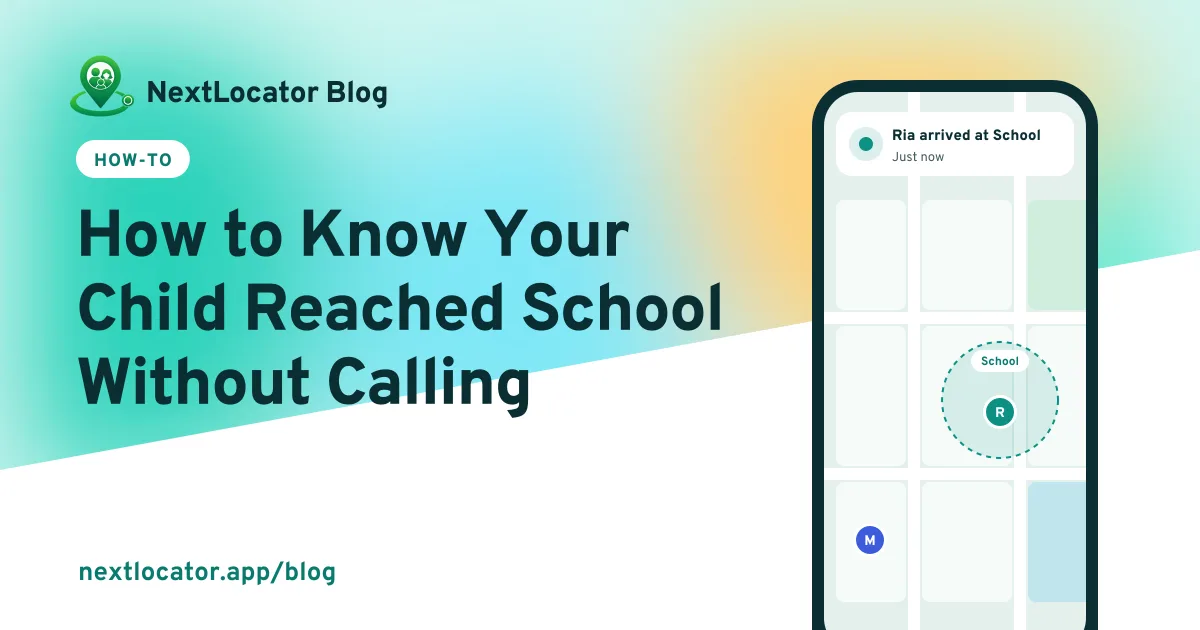
Save the school as a place in a family locator app. When your child's phone enters the area around the school, you get an arrival notification, and another when they leave. In NextLocator, create a circle, have your child join it, add the school under Places, and stay a circle admin, because place alerts go to admins.
Key takeaways
- Your child's phone needs NextLocator, with location set to 'Allow all the time'.
- Save the school as a place, with a radius that covers the gates, not the whole street.
- Place alerts go to circle admins, so make every parent who wants them an admin.
- The free plan includes 2 places, enough for home and school.
Why an alert beats a phone call
Calling at 8:30 every morning works until it doesn't. Your child is in assembly. The phone is on silent at the bottom of the bag. You ring twice, get nothing, and spend the next hour worrying.
An arrival alert flips this around. You don't ask, you're told. Your child doesn't have to do anything except carry the phone.
What you need before you start
- A phone for your child, with location turned on.
- NextLocator on both phones, signed in.
- Five minutes with your child, so you can set it up together and explain what it does.
How to set up a school arrival alert
- Create a circle. Open NextLocator, tap Create a circle and give it a name, like Family. You become the circle admin.
- Invite your child. Share the 6-character invite code. On their phone, your child taps Join a circle and enters it.
- Give the right permissions on your child's phone. Location: Allow all the time. Notifications: on. Battery optimization: off for NextLocator. The app walks you through each one.
- Add the school as a place. Open Places, tap Add place, search for the school's address and move the pin onto the building.
- Set the radius. Start with 150 to 200 metres. You can choose anything from 100 metres to 1 kilometre.
- Save. From now on you'll get notifications like Ria arrived at School and Ria left School.
Choosing the right radius
| School | Radius to try | Why |
|---|---|---|
| Small school in one building | 100–150 m | Covers the gate and the road outside |
| Large campus | 250–400 m | Covers every gate and the playing field |
| School very close to home | 100 m | Keeps the home and school areas from overlapping |
If the alert arrives while the van is still two streets away, make the radius smaller. If it sometimes doesn't arrive at all, make it a little bigger. Phones inside large concrete buildings can be off by 20 or 30 metres. Why GPS is sometimes off.
Who gets the alerts?
Place alerts go to the circle admins. If both parents want them, make the second parent an admin from the member list.
Leave alerts wait a few minutes before they're sent. So if your child pops out to the shop by the gate, you won't get a 'left School' alert and a fright.
Free plan
The free plan includes 2 places, which covers home and school. Need coaching, tuition or a grandparent's house too? Compare plans.
Talk to your child about it
Tell your child what the alert does and what it doesn't. You'll know when they get to school. You won't be watching them all day. Kids who understand the reason are much less likely to switch location off. Talking to teenagers about location sharing has more ideas.
Frequently asked questions
Will I get an alert if my child's phone is switched off?
No. The phone has to be on and connected to report the arrival. If the phone often runs flat by afternoon, a small power bank in the school bag helps.
Can I get alerts for the school van or coaching centre too?
Yes. Add each one as a place. The free plan includes 2 places, and paid plans include more.
Why did the arrival alert come late?
Usually weak signal, battery saving pausing the app, or a radius too small for a big campus. Check battery optimization first, then try a slightly bigger radius.
Does my child get the alerts too?
Place alerts go to circle admins, so a child who is a regular member of the circle does not get them.