Guides
What Is Location Tracking? How Your Phone Knows Where You Are
What is location tracking and how does it work? Learn how phones use GPS, Wi-Fi and mobile towers, who can see your location, and how to control it.
By NextLocator Team Updated 3 minute read
Quick answer
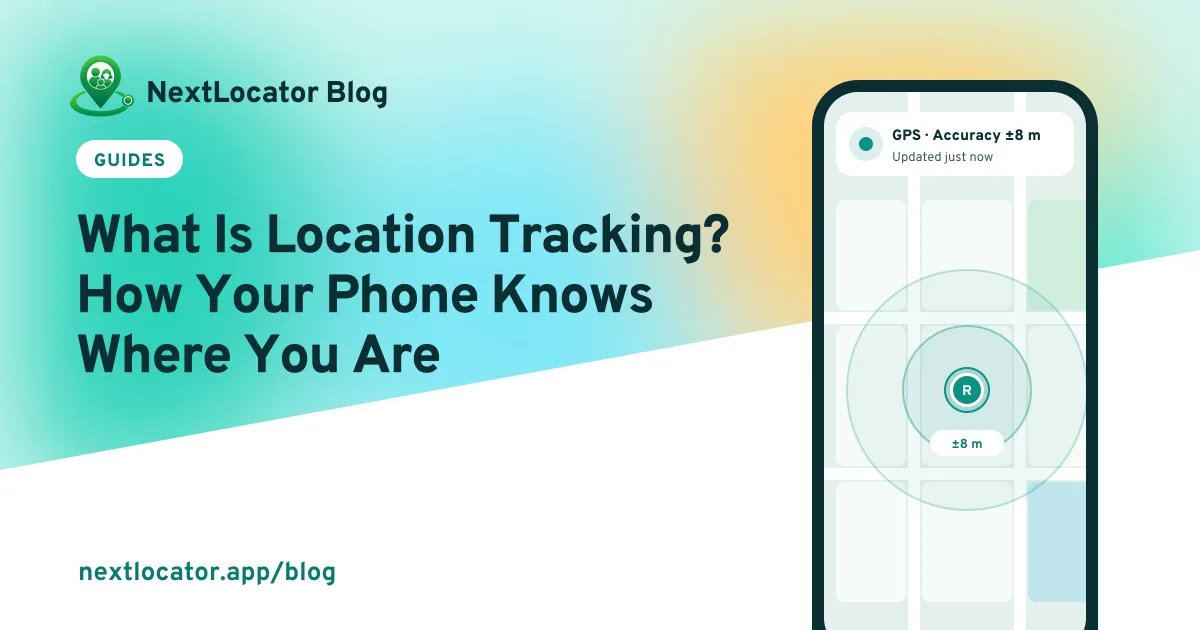
Location tracking is when a device works out where it is, using GPS satellites, nearby Wi-Fi networks and mobile towers, and records or shares that position over time. On a phone, apps can only use your location if you give them permission, and you can turn it off for any app in settings.
Key takeaways
- Phones combine GPS, Wi-Fi and mobile towers to find their position.
- Location tracking means recording or sharing that position over time.
- Apps need your permission, and you can change it any time.
- Family tracking works best when everyone knows and agrees.
Location tracking in one sentence
Location tracking means a device finds its position and keeps a record of it, or sends it to someone else, again and again over time. A single 'where am I' on a map is just location. Doing it continuously is tracking.
It powers things you use every day: maps and directions, ride and delivery apps, weather for your area, finding a lost phone, and family apps that let you see that everyone got home.
How your phone works out where it is
Your phone doesn't rely on one signal. It blends three:
| Source | How accurate | Works best |
|---|---|---|
| GPS satellites | About 5 metres | Outdoors, open sky |
| Wi-Fi networks nearby | About 10 to 50 metres | Indoors, in cities |
| Mobile towers | Hundreds of metres or more | Anywhere with signal |
GPS itself needs no internet, but to share a location with someone else, the phone needs mobile data or Wi-Fi. Location without internet.
That's also why location is sometimes wrong. Why GPS can be wrong, and how to fix it.
The main kinds of location tracking
Live location
Your position, updated as you move, shown to people you chose. Family locator apps and 'share live location' in chat apps work this way.
Location history
A record of where a phone has been, shown as a route. Useful for 'what time did the school van actually arrive?'. How location history works.
Geofencing
A circle drawn around a place. When a phone crosses it, you get an alert. That's how 'Ria arrived at School' works. What is geofencing?
Who can see your location?
Only apps you allowed, and only the people those apps share it with. On Android, you choose per app: Allow all the time, Allow only while using the app, Ask every time or Don't allow. iPhone has the same idea: Always, While Using the App, Ask Next Time or Never.
Worried someone is tracking you without asking? How to check.
How to start location tracking with your family
- Agree as a family who shares and why. It works better when nobody feels watched.
- Install a family locator app like NextLocator on each phone.
- Create a circle and share the invite code.
- Allow location all the time, so the map stays current when the app is closed.
- Save the places that matter, such as home, school and office, to get arrival alerts.
Step-by-step settings for each phone: turn on location tracking on Android and iPhone.
Frequently asked questions
What is location tracking on a phone?
It's when your phone finds its position with GPS, Wi-Fi and mobile towers and an app records or shares it over time, with your permission.
Is location tracking the same as GPS?
No. GPS is one way a phone finds its position. Location tracking is recording or sharing that position over time, and it also uses Wi-Fi and mobile towers.
Can I turn off location tracking?
Yes. Turn off location for the whole phone in settings, or change permission for a single app. In a family app, you can also leave the circle.
Does location tracking work without internet?
The phone can still find its position with GPS, but it can't send it to anyone until it's back online. Apps with offline sync upload the route they missed.