How-to
How to Share Your Live Location on WhatsApp (and When It's Not Enough)
Share your live location on WhatsApp in a few taps on Android or iPhone. How to stop it, why it ends after 8 hours, and what to use for everyday family safety.
By NextLocator Team Updated 3 minute read
Quick answer
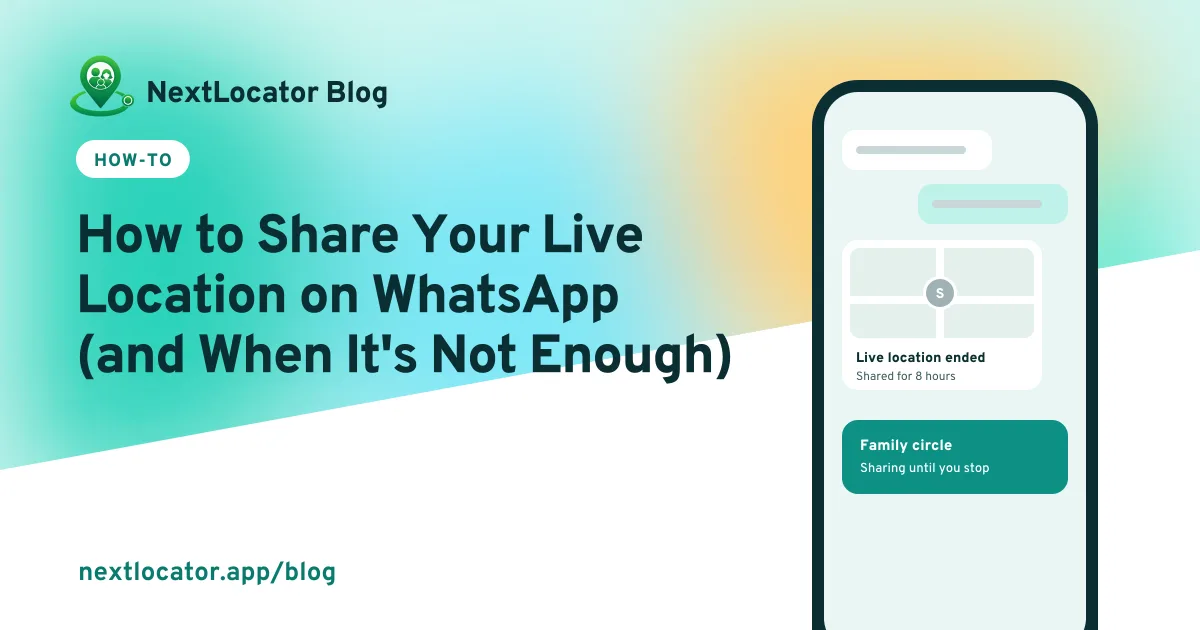
Open the chat, tap the attach icon (the paperclip on Android, the + on iPhone), choose Location, then Share live location. Pick 15 minutes, 1 hour or 8 hours and tap send. The other person sees you move on a map until the time runs out or you tap Stop sharing.
Key takeaways
- Live location on WhatsApp lasts 15 minutes, 1 hour or 8 hours.
- Give WhatsApp location access 'all the time' so it keeps updating when the app is closed.
- It's great for one trip. For every day, it keeps running out.
- A family locator app keeps sharing and adds arrival alerts and SOS.
How to share live location on WhatsApp (Android)
- Open the chat or group.
- Tap the paperclip icon in the message box.
- Tap Location.
- Tap Share live location, and allow location access if asked.
- Choose 15 minutes, 1 hour or 8 hours.
- Add a comment if you like, then tap Send.
How to share live location on WhatsApp (iPhone)
- Open the chat or group.
- Tap the + next to the message box.
- Tap Location, then Share Live Location.
- If asked, allow WhatsApp to use your location Always, so it keeps updating when the app is closed.
- Choose how long, then tap Send.
How to stop sharing early
Open the chat and tap Stop sharing under your live location, then confirm. To see every chat you're sharing with, open WhatsApp's Settings > Privacy and look for live location.
Why WhatsApp live location isn't updating
- Location access is set to 'While using the app', so updates stop when WhatsApp is closed.
- Battery saving is putting WhatsApp to sleep.
- No mobile data, or very weak signal.
- The time you picked has run out.
The fixes are the same as for any location app. Here's the full list.
When WhatsApp live location isn't enough
WhatsApp live location is made for one-off moments: 'I'm on my way', 'find me at the station'. For everyday family safety it has gaps:
| WhatsApp live location | Family locator app (NextLocator) | |
|---|---|---|
| How long it shares | Up to 8 hours, then you share again | Until you leave the circle |
| Alert when someone reaches school or home | No | Yes, with place alerts |
| SOS in one action | No | Yes |
| Location history | No | Yes, depending on the plan |
| Whole family on one map | One chat at a time | Yes |
| Each person's battery level | No | Yes |
Plenty of families use both: WhatsApp for 'meet me here', and a family locator app for the daily school and office runs.
Frequently asked questions
How long can you share live location on WhatsApp?
15 minutes, 1 hour or 8 hours. After that it stops, and you have to share again.
Can you share live location on WhatsApp permanently?
No. The longest option is 8 hours. For sharing that doesn't expire, use Google Maps location sharing or a family locator app.
Does WhatsApp live location work in the background?
Yes, if location access is set to 'Allow all the time' on Android or 'Always' on iPhone, and battery saving isn't stopping WhatsApp.
Can the other person still see me after I stop sharing?
No. Once you stop, or the time runs out, they only see where you were at that moment, marked as ended.
How accurate is WhatsApp live location?
As accurate as your phone's GPS, usually within a few metres outdoors. Indoors or between tall buildings it can be further off. How GPS accuracy works.