Family safety
Keeping Elderly Parents Safe: A Simple Location Sharing Guide
How to set up location sharing for older parents who aren't comfortable with smartphones: the right settings, useful place alerts, and how SOS can help.
By NextLocator Team Updated 3 minute read
Quick answer
Set it up for them, on their phone, once. Turn on the permissions, save the places they visit, like the clinic, mosque or market, and show them the SOS button. After that they don't need to do anything. You'll see where they are, know when they arrive, and get their exact location if they ever press SOS.
Key takeaways
- Do the setup yourself, in person if you can.
- Save the places they visit often, so you get arrival alerts.
- Show them SOS: hold the button, tap it, or shake the phone 8 times.
- Keep an eye on their battery. A phone that dies at 4 pm can't help anyone.
Why it helps
Older parents often go out alone more than we realise: the market, the clinic, prayers, a friend's house. Most days nothing happens. But when they're late and not answering, you want something better than calling ten times.
It helps them too. A parent who knows the family can find them if something goes wrong often feels more confident going out on their own.
Ask, don't decide for them
Your parents are adults. Explain what it does, show them the map and ask if they're happy with it. Most say yes once they see it's about help, not checking up. Share your own location with them too, so it doesn't feel one-sided.
Setting up their phone
- Install NextLocator and sign in with their phone number.
- Join your family circle with the invite code.
- Allow location all the time, and turn notifications on.
- Turn off battery optimization for NextLocator. Older phones are often the most eager to close apps.
- Make the text bigger in the phone settings if it is hard for them to read.
- Put NextLocator on the home screen where they'll see it.
Places worth saving
Arrival alerts are most useful for regular trips. Think about where they go each week:
- The clinic or hospital
- The mosque, temple or church
- The market or pharmacy
- A brother's, sister's or friend's house
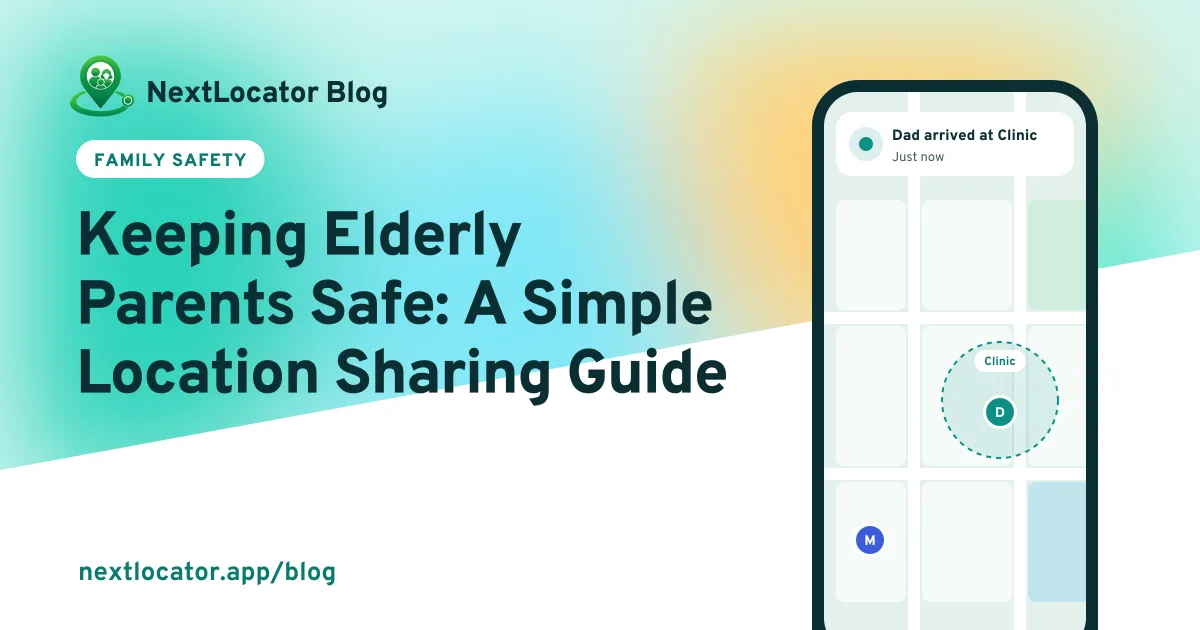
When they arrive, circle admins get an alert like Dad arrived at Clinic. When they leave, you know they're on the way home.
Show them the SOS button
Walk them through it once. Hold the button for about 3 seconds, or tap it repeatedly, or shake the phone 8 times. Everyone in the circle gets their exact location. Shaking is often easiest for someone with unsteady hands or weak eyesight.
Tell the family before you practise, because a test sends a real alert. How SOS works.
Keep an eye on the battery
Each member's card shows their battery level. If Dad's phone is at 15% at lunchtime, a quick call to remind him to charge it saves a lot of worry later. A small power bank in their bag helps on long days.
Older phones often have tired batteries. If theirs won't last a day anymore, a new battery costs much less than a new phone.
Frequently asked questions
What is the best way to keep track of elderly parents?
With their agreement, using a family locator app on the phone they already carry. Set it up for them, save the places they visit, and show them the SOS button.
Can location sharing help a parent with dementia?
It can help families stay connected, but involve your parent as much as possible and ask their doctor about the best approach. A phone only helps if they carry it, so some families also use a wearable tracker.
Do older parents need to do anything after setup?
No. Once the permissions are set, the app runs in the background. They just need to keep the phone charged and take it with them.
Does this work on a basic keypad phone?
No. Location sharing apps need a smartphone. On a basic phone, calling is the only option.