Guides
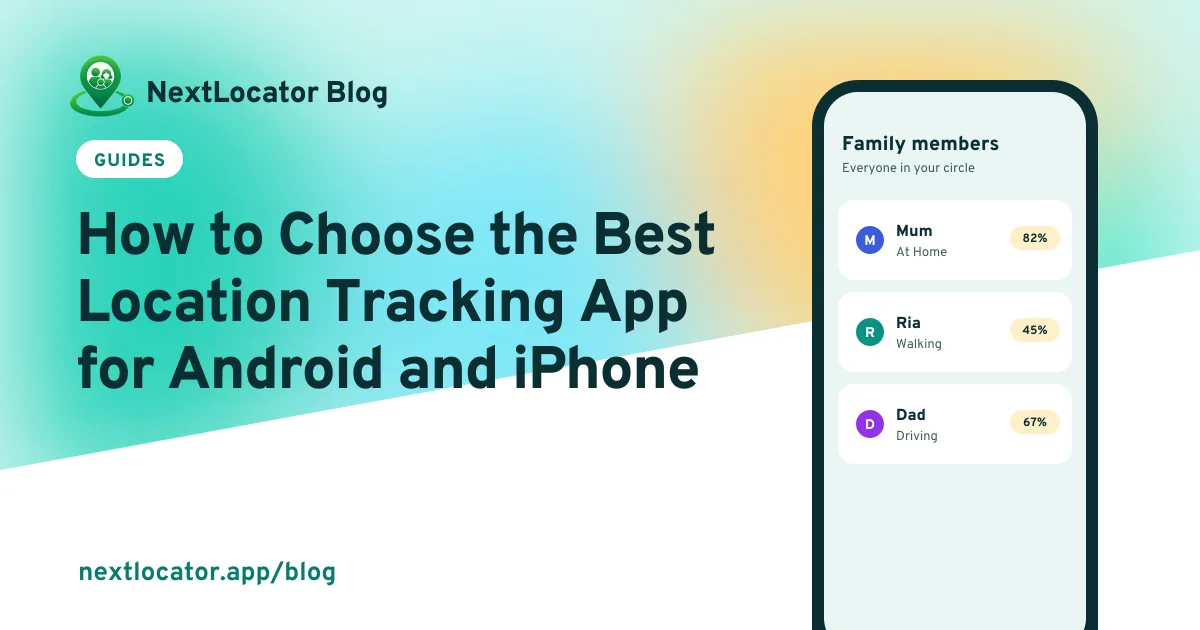
How to Choose the Best Location Tracking App for Android and iPhone
Looking for the best location tracking app? Compare what matters on Android and iPhone: mixed-phone circles, alerts, battery, privacy and free plan limits.
By NextLocator Team Updated 4 minute read
Quick answer
The best location tracking app is the one your whole family will keep switched on. Pick one that works on both Android and iPhone in the same circle, sends arrival and leave alerts for places like home and school, has an SOS button, goes easy on the battery and only shows your location to people you invited. Try the free plan for a week before you pay.
Key takeaways
- Mixed families need one app that puts Android and iPhone users on the same map.
- Arrival alerts matter more day to day than a live map you have to keep checking.
- Battery use decides whether people leave the app on.
- Avoid any app that offers to track someone secretly.
What 'best' really means for a tracking app
Store rankings and 'top location tracking apps' lists mostly measure downloads. What you need to know is different: will the app still be running on your child's phone next month, and will it tell you something useful without you opening it?
That comes down to five things: which phones it supports, alerts, battery, privacy and what the free plan really includes.
1. It works on Android and iPhone together
Most families have both. Dad has an Android phone, the teenager has an iPhone, grandma has whatever was cheapest. Tools built into one phone maker's system usually only work well between phones from that maker.
A cross-platform app puts everyone in the same circle, on the same map, with the same alerts. Before you choose, check every family member's phone is supported, including older Android models.
On Android especially
Android phone makers handle background apps differently. A good app explains how to keep it running on your phone's brand. If it doesn't, location will stop updating and you won't know why. Fixes for that.
2. Alerts, not just a map
A live map is the first thing you try and the thing you use least after a week. What families rely on is the notification that says 'Ria arrived at School', so you don't have to look.
Check how many places you can save on the free plan and who gets the alert. In NextLocator, circle admins get the notification and everyone in the circle can see arrivals and leaves in the app. How place alerts work.
3. It doesn't drain the battery
If an app eats 20% of the battery, it gets uninstalled. Good apps check location less often when the phone is still and more often when it's moving.
Install it, use it through a normal day, then look at the battery screen in your phone's settings. What normal battery use looks like.
4. Privacy you can see
- Invite-only circles. Nobody sees your location unless you joined their circle.
- Everyone knows. Each person can see who is in the circle. No hidden tracking.
- Easy to leave. Leaving a circle takes a couple of taps.
- Real deletion. You can delete your account and data, not just stop sharing.
Apps sold as 'track anyone without them knowing' are a red flag, and in many countries using them is illegal. Is location tracking legal?
Quick comparison checklist
| Check | Why it matters |
|---|---|
| Android and iPhone in one circle | The whole family on one map |
| Arrival and leave alerts | You get told instead of checking |
| SOS with exact location | Help in an emergency, without a call |
| Location history | See the route after the fact |
| Offline sync | No gaps after a tunnel or weak signal |
| Free plan limits | Members, places and days of history |
| Data deletion | You stay in control |
NextLocator does all of these. It's on Google Play today, with the free plan included. Compare plans.
Frequently asked questions
What is the best location tracking app for Android?
Pick one that keeps updating in the background on your phone's brand, sends arrival and leave alerts, has an SOS button and only shares with people you invite. NextLocator is built for exactly that and is free to start on Google Play.
Can Android and iPhone users share location with each other?
Yes, with a cross-platform app. Everyone installs the same app and joins one circle, whatever phone they have.
Are free location tracking apps any good?
Many are, as long as the free plan covers your family. Check the limits on members, saved places and history before you set everyone up.
Is there a location tracking app that works without the other person knowing?
Some apps advertise it, but tracking an adult without their knowledge is illegal in many countries and a sign of abuse. Use an app where everyone in the circle can see who is sharing.